
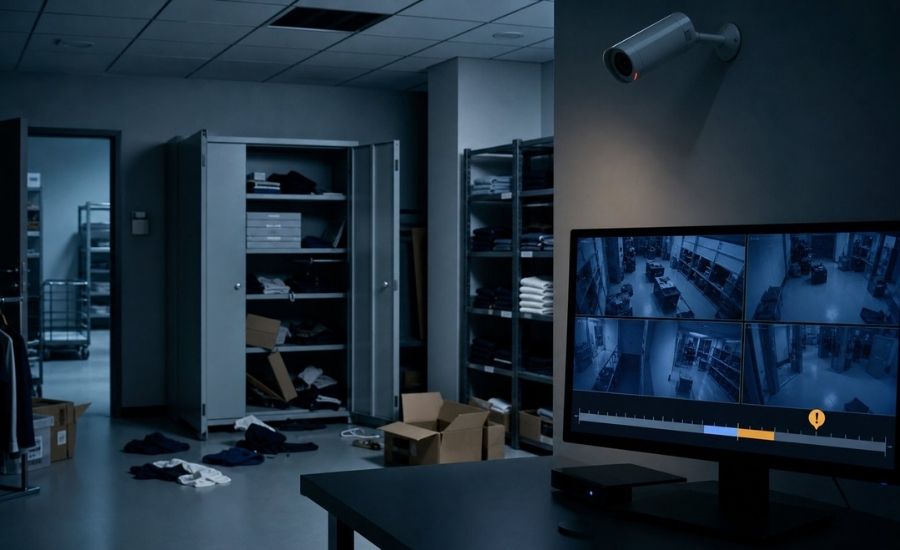
Live video monitoring turns the cameras you already own into an active security layer: trained operators watch alerts in real time and respond before a break-in, theft or vandalism gets worse. But providers differ a lot in how they watch, how fast they react and what they report. Use the questions below to compare live video monitoring companies before you sign.
What is live video monitoring?
Live (or remote) video monitoring connects your on-site cameras to a remote monitoring team. When motion or an analytics rule triggers, an operator reviews the feed, decides whether it is a real threat and follows an agreed response plan, such as a talk-down warning through a speaker, a call to your contact list or a dispatch request to police. You can read how our process works on our remote video monitoring services page.
10 questions to ask a live video monitoring company
1. Do you work with my existing cameras?
Many sites already have IP cameras or an NVR. A good provider should tell you clearly which systems they can connect to and what (if anything) needs upgrading, instead of forcing a full replacement.
2. Who watches the cameras, and when?
Ask whether operators are trained staff, how shifts are covered and which hours are monitored. Overnight, weekend and holiday coverage is where most incidents happen on closed sites.
3. What is your response protocol?
Get the escalation steps in writing: verify the event, issue a live audio warning, call the site contacts, and request police or a guard when needed. The plan should be built around your site, not a generic script.
4. How do you reduce false alarms?
Wind, animals and headlights can trigger motion. Ask how alerts are filtered (zones, schedules, analytics) and how operators verify an event before calling anyone. Fewer false alarms means faster action on real ones.
5. Can you talk down intruders?
Live audio deterrence through on-site speakers often stops an incident before damage is done. Check whether the provider supports it and what their operators say.
6. What reports will I receive?
You should get incident logs with time, camera, clip or snapshot, and the action taken. Regular summaries help you spot patterns, such as a weak fence line or a repeat time window.
7. How do you handle my data and video?
Ask who can access your feeds, how access is controlled and how long footage or snapshots are retained. A clear access policy matters as much as the monitoring itself.
8. Can the plan change with my site?
Construction sites move, dealerships add lots and warehouses change shifts. Monitoring schedules, zones and contacts should be easy to update.
9. Do you have experience with my type of site?
Risks differ by industry. Ask for examples from sites like yours, such as construction sites, parking lots or car dealerships.
10. How fast can we start?
Onboarding usually includes a camera check, site walkthrough on video, zone setup and contact list. Ask for a realistic timeline and a test period.
Red flags to watch for
- No written response protocol or escalation list.
- Vague answers about who is watching and during which hours.
- No incident reporting, or reports without video evidence.
- Long contracts with no way to adjust coverage.
Live monitoring vs. guards
Live monitoring can cover many cameras and entry points at once and is often used to replace or support overnight guard patrols. For a full comparison, read remote video monitoring vs. security guards.
Next step
FZM Tech provides live remote video monitoring with real-time alert review, audio talk-down, escalation to your contacts and clear incident reports. Contact us to get a free site review and monitoring plan.